“Navigating the XBOX Game Pass: A Guide to Getting the Most Out of Your Subscription”
Updated: April 19, 2026
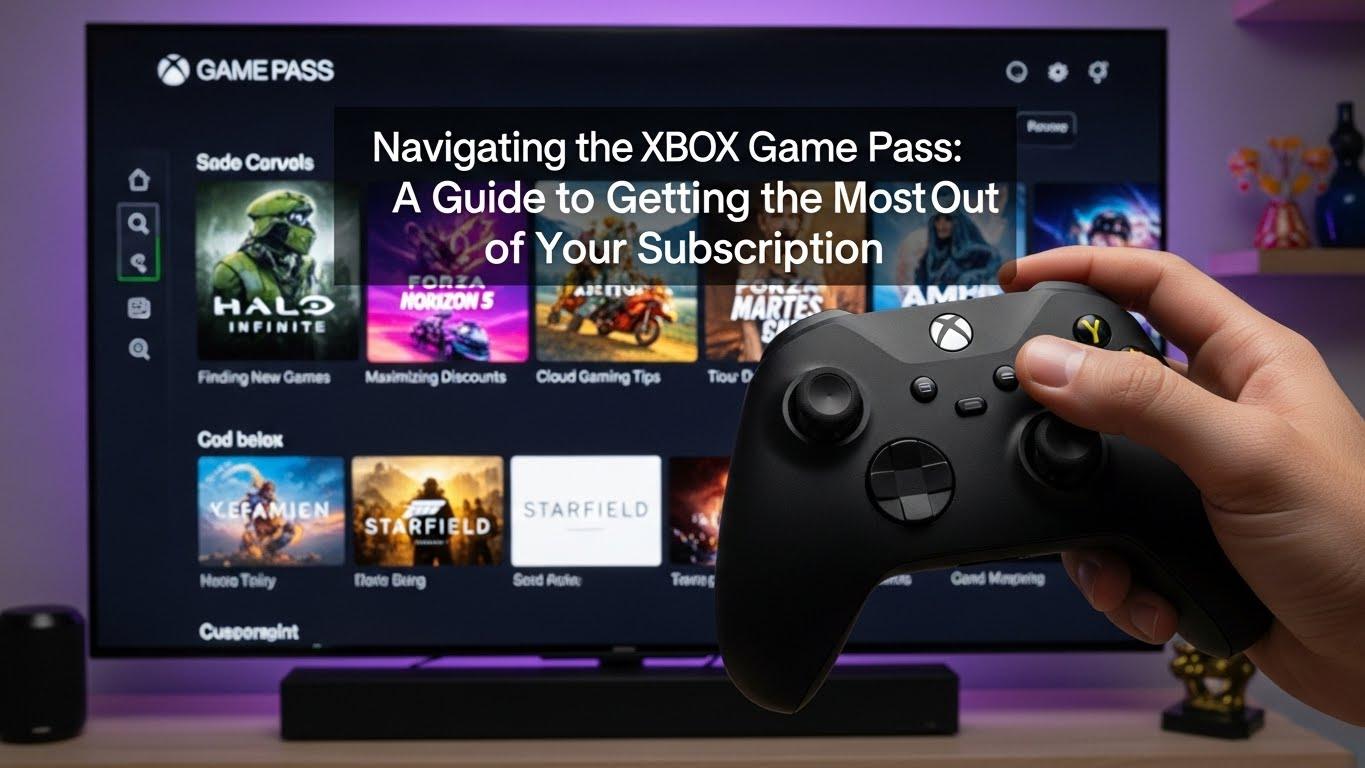
Navigating the XBOX Game Pass: A Guide to Getting the Most Out of Your Subscription
The gaming world is constantly evolving, and with the advent of subscription services, gamers now have more choices than ever before. The XBOX Game Pass is one such service that has revolutionized the way gamers access and experience games. Whether you’re a seasoned gamer or new to the XBOX ecosystem, this guide will help you navigate the Game Pass and maximize your subscription.
What is XBOX Game Pass?
XBOX Game Pass is a subscription-based service offered by Microsoft, providing access to a vast library of games for a monthly fee. With over 100 high-quality games available, the Game Pass offers something for everyone, from the latest blockbusters to hidden gems and classic titles. It is available on both XBOX consoles and Windows PCs, making it a versatile choice for gamers who play across different platforms.
Why Choose XBOX Game Pass?
Choosing the XBOX Game Pass offers several advantages. First, it provides excellent value for money. Instead of purchasing individual games, you gain access to an entire library for a fraction of the cost. This is particularly beneficial for gamers who enjoy trying out different genres or those who want to experience new games without committing to a purchase.

Secondly, the Game Pass includes day-one access to first-party titles from XBOX Game Studios. This means you can play new releases as soon as they become available without any additional cost. Lastly, the Game Pass frequently updates its library, ensuring that there is always something new to explore.
Understanding the Different Tiers
The XBOX Game Pass offers several tiers to cater to different types of gamers:
- XBOX Game Pass for Console: This tier provides access to the Game Pass library on XBOX consoles only. It is ideal for players who primarily game on their console.
- XBOX Game Pass for PC: Similar to the console version, this tier offers access to the library on Windows PCs. It includes a variety of PC-exclusive titles and features.
- XBOX Game Pass Ultimate: The ultimate tier combines both console and PC libraries, and includes XBOX Live Gold, which enables online multiplayer gaming. It also offers access to XBOX Cloud Gaming, allowing you to play games on compatible devices without a console.
Getting Started with XBOX Game Pass
To begin your journey with XBOX Game Pass, you will need to subscribe to one of the tiers mentioned above. Once subscribed, you can download the XBOX app on your console or PC to browse the library and download games. The app also allows you to manage your subscription, view recommendations, and keep track of new additions to the library.
For those new to the platform, Microsoft often offers promotional deals for the first month of subscription, allowing you to experience the service at a discounted rate.
Exploring the Game Library
The heart of the XBOX Game Pass is its extensive library. Here are some tips to make the most out of it:
- Explore Different Genres: The Game Pass includes games across various genres, including action, RPGs, sports, strategy, and more. Use this opportunity to explore genres you might not typically play.
- Try Indie Games: While blockbuster titles are always appealing, the Game Pass has a plethora of indie games that offer unique and innovative gameplay experiences.
- Check Out New Releases: Keep an eye on the new releases section to play the latest games. The Game Pass often adds new titles, keeping the library fresh and exciting.
- Use Filters and Recommendations: The XBOX app includes filters and personalized recommendations to help you find games that match your preferences.
Utilizing XBOX Cloud Gaming
One of the standout features of the XBOX Game Pass Ultimate is XBOX Cloud Gaming. This service allows you to stream games directly to your device without the need for downloads. It’s perfect for gamers on the go or those with limited storage space. To get started, ensure your device is compatible and has a stable internet connection. You can then access a wide range of games via the cloud, making gaming more accessible than ever.
Managing Your Subscription
To ensure you get the most out of your subscription, it’s important to manage it effectively. Here are some tips:
- Set Reminders for Expiration: Keep track of your subscription’s expiration date to avoid unexpected charges or lapses in service.
- Review Your Usage: Periodically assess how often you use the Game Pass. If you find you’re not utilizing it enough, consider adjusting your subscription tier.
- Take Advantage of Discounts: Keep an eye out for promotional offers or discounts that can help you save on your subscription.
Takeaways
The XBOX Game Pass is a powerful tool for gamers, offering unparalleled access to a vast array of games across different platforms. By understanding the different tiers, exploring the game library, and utilizing features like XBOX Cloud Gaming, you can unlock the full potential of your subscription. Whether you’re a casual gamer or a dedicated enthusiast, the Game Pass provides something for everyone, making it a worthy investment in the ever-expanding world of gaming.
For more information on maximizing your gaming experience, consider visiting trusted gaming resources to stay updated on the latest news and strategies.
Frequently Asked Questions
Even with a comprehensive understanding of the XBOX Game Pass, you may still have questions about the service. Here are some common queries and their answers:
- Can I play offline? Yes, once you download a game to your console or PC, you can play it offline. However, you must connect to the internet every 30 days to verify your subscription.
- What happens to my games if I cancel my subscription? If you cancel your Game Pass subscription, you will lose access to all games downloaded through the service. If you decide to purchase any of the games, your progress and achievements will be saved.
- Are DLCs and add-ons included? Generally, DLCs and add-ons are not included with the base game in the Game Pass library. You will need to purchase them separately.
Tips for Parents
For parents looking to manage their child’s gaming, the XBOX Game Pass offers several features that can help:
- Use Parental Controls: The XBOX platform includes robust parental controls. You can set age restrictions, manage screen time, and control spending.
- Encourage Educational Games: The Game Pass library includes a number of educational and family-friendly games. Encourage your child to explore these options.
- Monitor Game Time: Utilize the XBOX app to monitor how much time your child spends playing games and ensure it aligns with your family’s rules.
Community and Support
One of the most enriching aspects of the XBOX Game Pass is the vibrant community surrounding it. Here’s how you can engage and find support:
- Join Gaming Forums: Platforms such as Reddit offer communities of like-minded gamers where you can share tips, discuss games, and stay updated on the latest news.
- Participate in Events: Microsoft frequently hosts in-game events and challenges for Game Pass members. These events are a great way to engage with the community and earn exclusive rewards.
- Access Customer Support: If you encounter any issues, Microsoft offers comprehensive customer support for XBOX services. From technical problems to billing inquiries, support is just a click away via the XBOX support page.
Exclusive Perks and Offers
XBOX Game Pass members often enjoy exclusive perks and offers, which can enhance the overall gaming experience. These include:
- Member Discounts: Game Pass members receive discounts on games and DLCs. These offers can be a great way to purchase titles you want to own permanently.
- Free Trials: Occasionally, Game Pass members receive free trials for other services, such as streaming platforms or additional game content.
- Game Previews: As a member, you might gain access to game previews or beta tests, allowing you to experience upcoming titles before their official release.
Conclusion: The Future of Gaming
The XBOX Game Pass represents a shift towards more flexible and accessible gaming. By offering a vast library of games at an affordable rate, it democratizes access and allows players to explore a wide array of gaming experiences. As the service continues to evolve, it promises to usher in a new era of gaming where players have more options and opportunities than ever before.
For those looking to stay ahead in the gaming world, the XBOX Game Pass is an invaluable tool. With thoughtful exploration and strategic use of its features, you can truly get the most out of your subscription and enjoy countless hours of entertainment.